
Click to download now, finish the installation quickly, and directly unlock the all-round experience
Screenshots



Click to download now, finish the installation quickly, and directly unlock the all-round experience
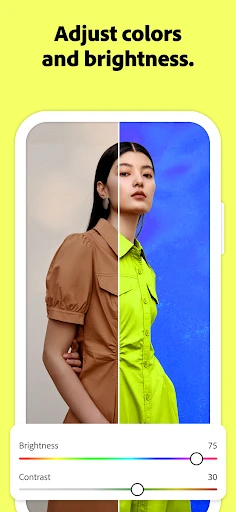
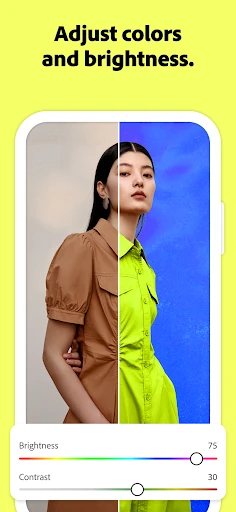
Adobe Photoshop: Photo Editor brings Photoshop-style editing to Android for photographers, designers, and creators who need more control than basic filters provide. It suits users working with layered compositions, selective retouching, object removal, and image-based designs on a phone or tablet. The app is developed by Adobe and listed in the Photography category.
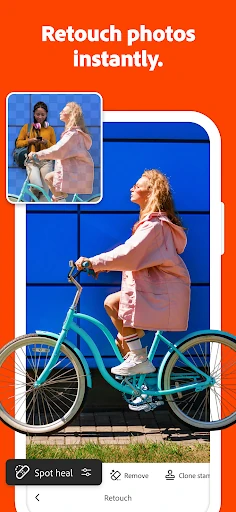
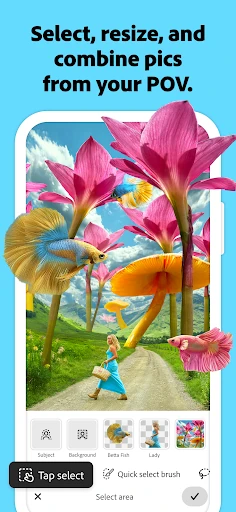
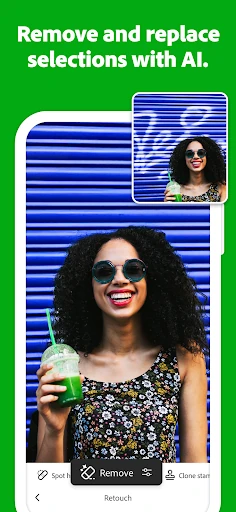
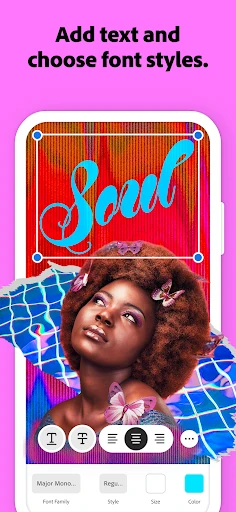
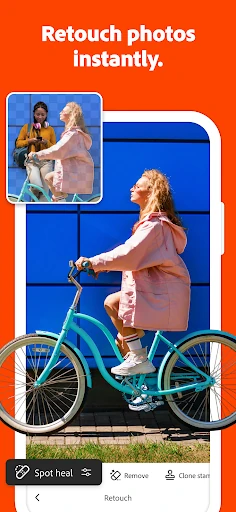
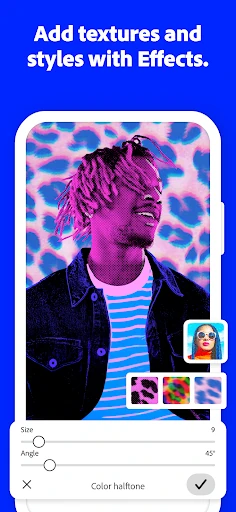
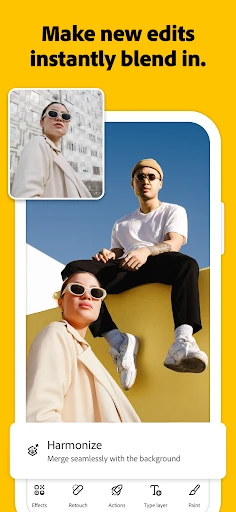
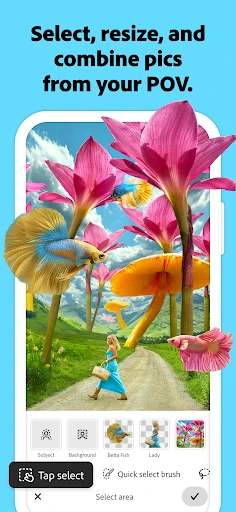
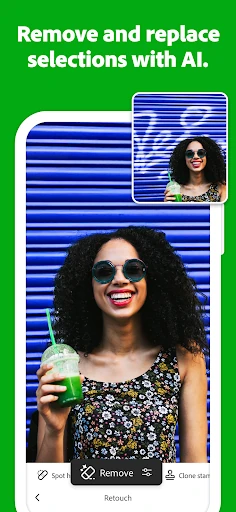
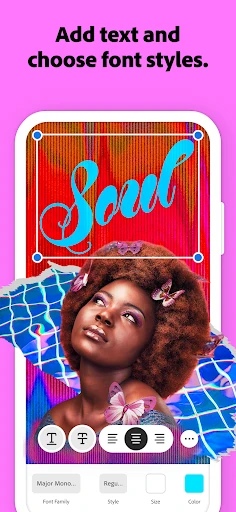
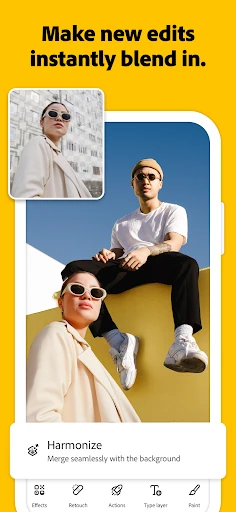
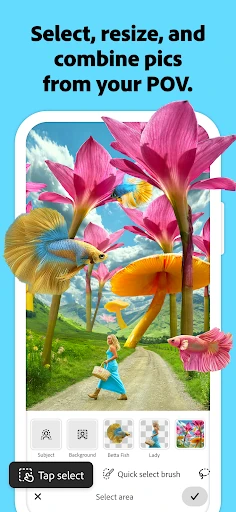
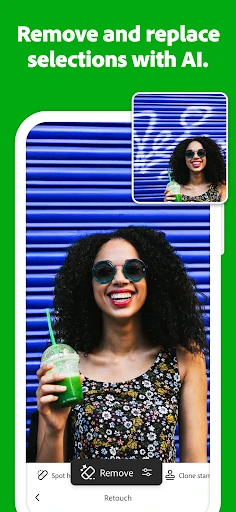
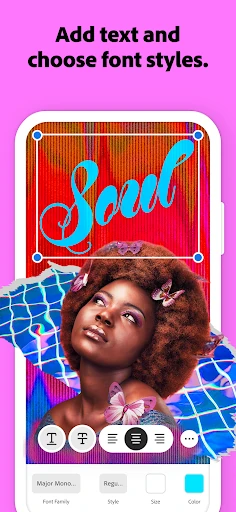
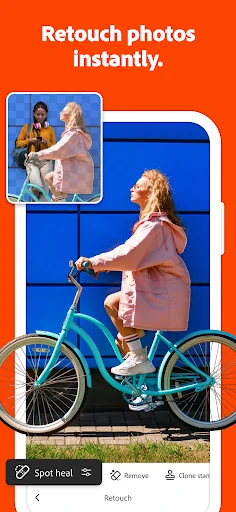
The editor supports a layer-based workflow, letting you combine photos, graphics, and text in one project. Selection tools such as Tap Select and Magic Wand help isolate subjects or areas for targeted changes, while the Spot Healing Brush and Content-Aware Fill can remove blemishes and unwanted distractions.
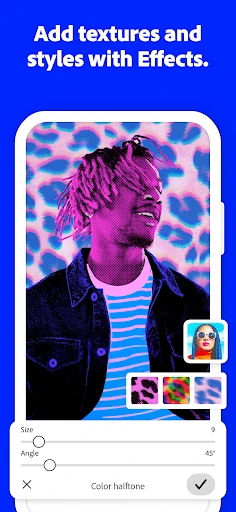
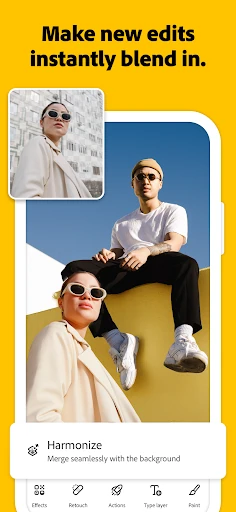
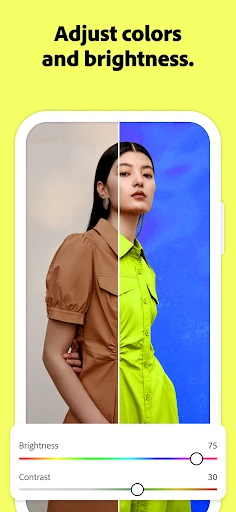
Photoshop: Photo Editor is aimed at hands-on editing rather than one-tap effects. You can use it for social graphics, photo corrections, creative composites, and more involved visual experiments. Adobe Stock integration can also help when a project needs additional imagery or design assets.
The app has a 4.16 out of 5 rating from 1,635 reviews and has recorded 1,000,000+ installs. Those figures point to an established mobile audience, while the feature set makes it a better fit for users prepared to work with layers, selections, and more advanced editing controls.