
iHeartRadio for Google TV
iHeartMedia, Inc.
Downloads
1,000,000+
Version
Latest
Click to download now, finish the installation quickly, and directly unlock the all-round experience
Screenshots



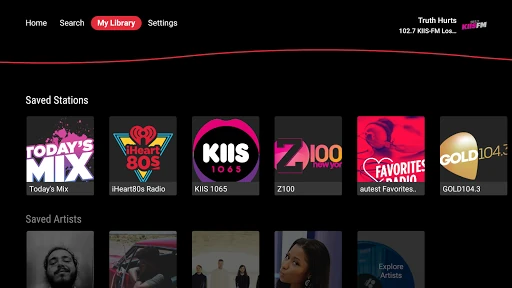
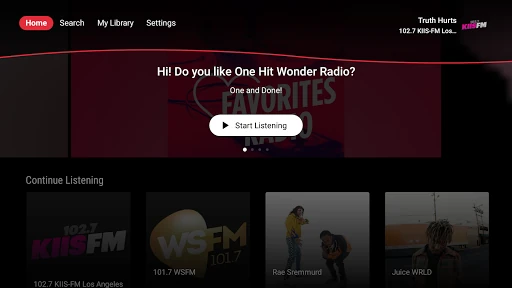

Click to download now, finish the installation quickly, and directly unlock the all-round experience
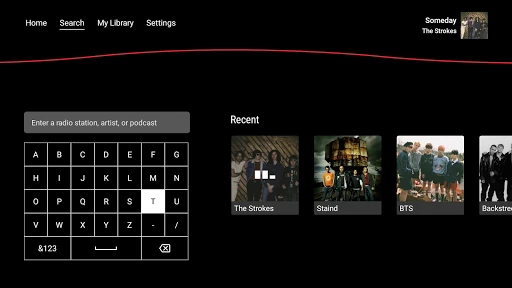
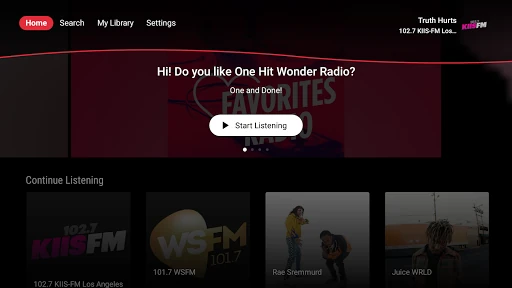
iHeartRadio for Google TV brings live radio, podcasts, and music playlists to the big screen. It suits listeners who want a straightforward way to play audio through a TV setup, whether they prefer local stations, sports coverage, talk shows, comedy, or on-demand programs. The app is developed by iHeartMedia, Inc. and is listed in the Music & Audio category.
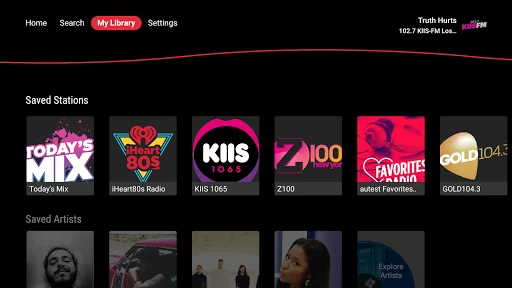
Browse thousands of live AM and FM stations from local markets and cities around the world. Station choices cover music, news, sports, talk, and comedy, making the app useful for both background listening and keeping up with specific programs. Sports listeners can find coverage and commentary connected with football, baseball, basketball, hockey, soccer, golf, tennis, and college sports.
The podcast library includes popular shows from networks and creators such as NPR, ESPN Podcasts, TED, Wondery, and other well-known personalities. You can explore trending programs and follow shows you want to return to. The music side of the app includes curated playlists arranged around genres, decades, moods, and activities, along with artist- and genre-based radio for more focused listening.
Its broad mix of live and on-demand audio makes iHeartRadio for Google TV a practical choice for households that want radio programming and podcast discovery without switching between several entertainment apps.